FantasyDailies now has its own TV channel, and it is on the two biggest streaming boxes in the country. Search for FantasyDailies on your Amazon Fire TV or Fire Stick, or in the Roku Channel Store, and you get a network of 18 sports podcast shows with multiple episodes on every one, a Live TV guide that keeps something playing, and a home screen built to find the next episode fast. There is no account to make, no card to enter and no sign-in standing between you and the shows.
This is the full walkthrough: how to find FantasyDailies on Amazon, how to find it on Roku, who is on the lineup, and how to use the site's betting, DFS and fantasy tools alongside what is on your screen. The FantasyDailies TV page has the same steps with the latest schedule.
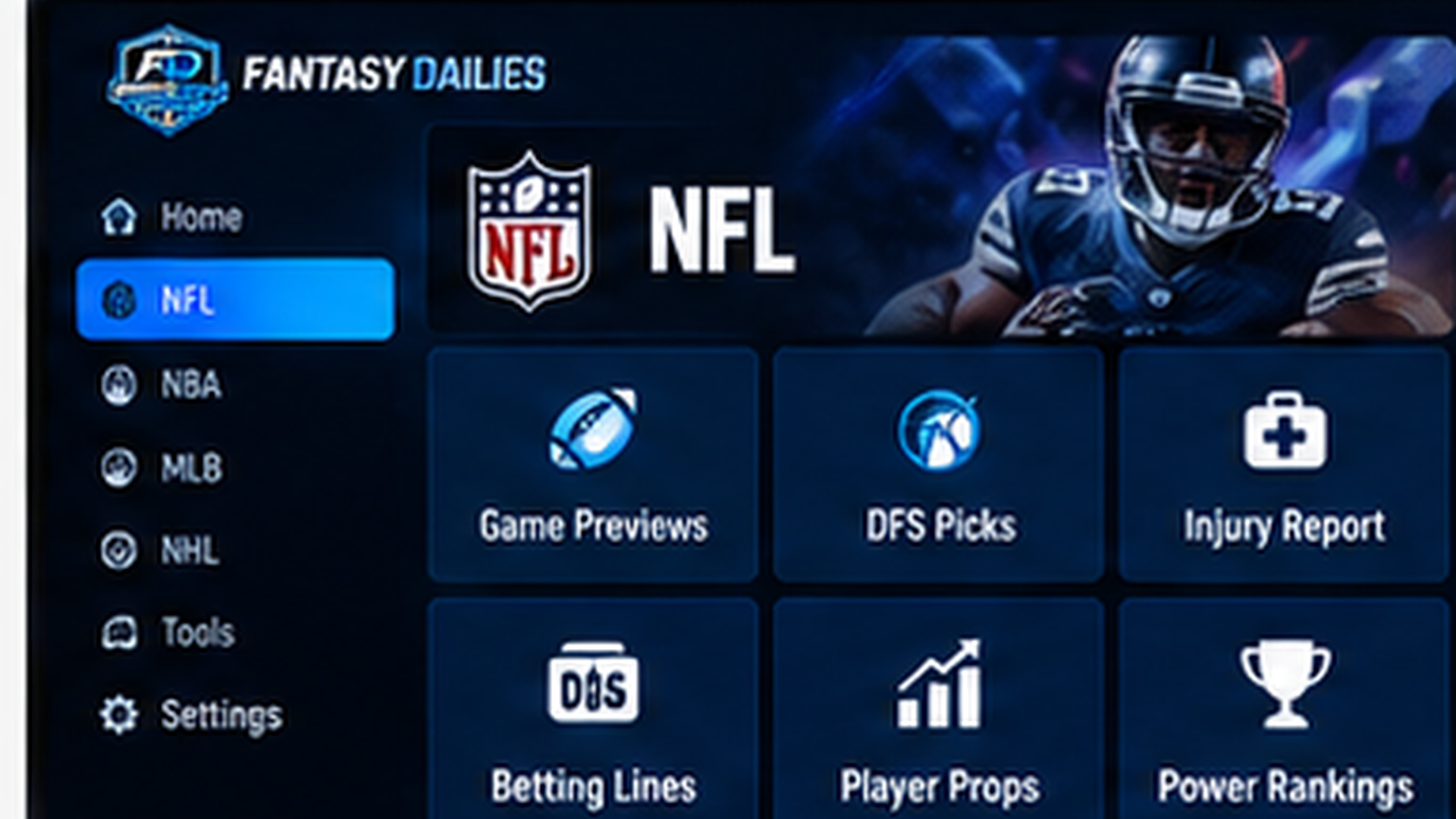
How to Find FantasyDailies on Amazon Fire TV and Fire Stick
The FantasyDailies Fire TV app has been approved by Amazon and is rolling out on the Amazon Appstore. The direct link below always works, and Amazon's search can take a little while to catch up with a new listing. It works on any Fire TV device, including the Fire TV Stick 4K. Pick whichever of these is easiest:
The direct link. Open the FantasyDailies page on Amazon, pick your Fire TV under Deliver to, and tap Get App. It installs on your Fire Stick by itself, with no typing on the remote.
Voice. Hold the microphone button on your Alexa Voice Remote and say "FantasyDailies." Choose the app from the results and select Get.
Search on the stick. From the Fire TV home screen, open Find, choose Search, type FantasyDailies, select the app under Apps and Games, then choose Get or Download. When it finishes, choose Open.
Once it is installed, press and hold the Home button and move FantasyDailies to the front row so it opens in one click. The app is built to match the Roku channel, so what you learn on one carries to the other.
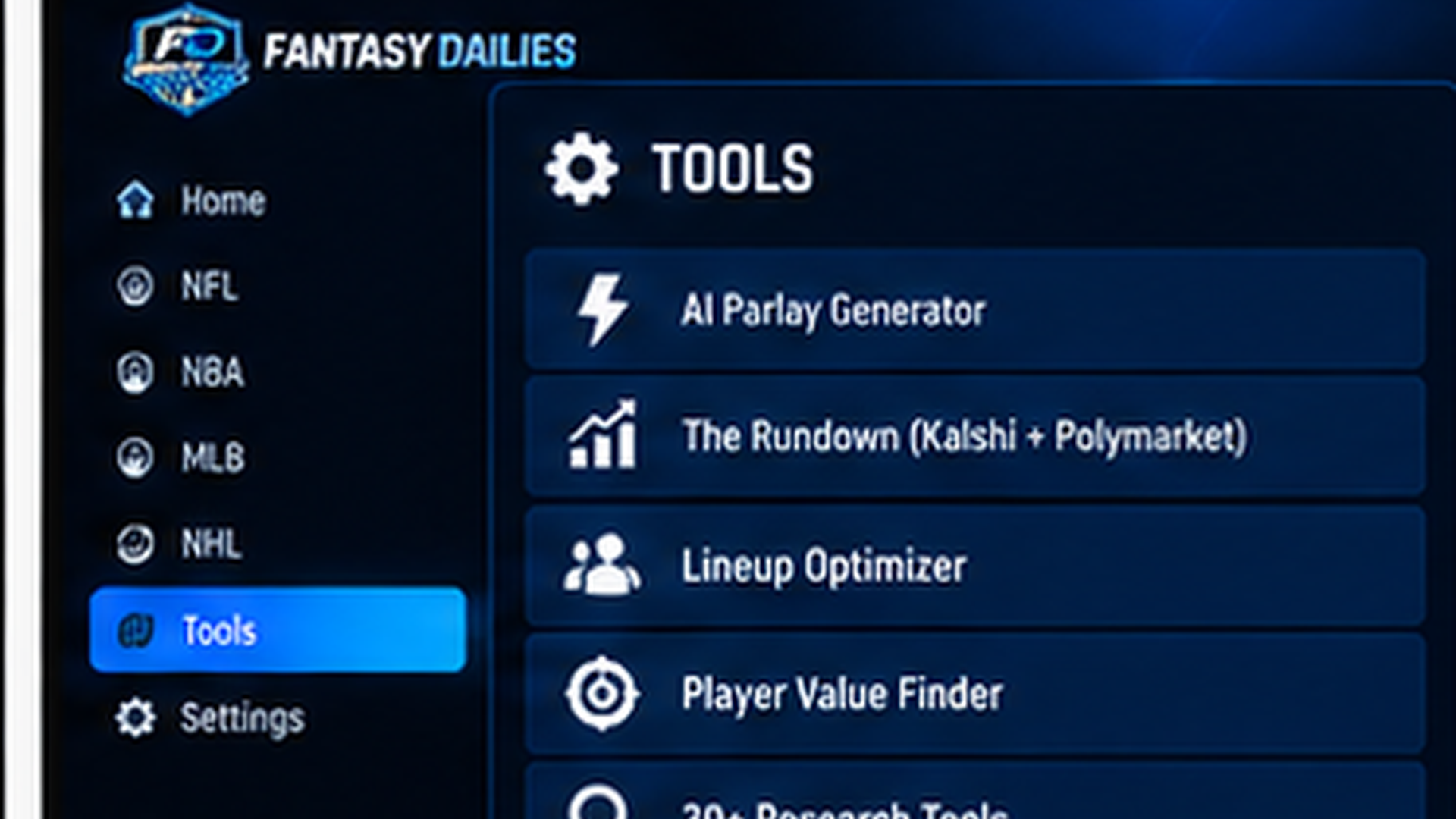
How to Find FantasyDailies on Roku
The Roku channel has been live in the Roku Channel Store since Sep. 29. There are three ways to add it:
Search on the box. Open the Streaming Channels section, choose Search Channels, and type FantasyDailies. Select Add Channel.
Use the store page. Open the FantasyDailies page in the Roku Channel Store on your phone or computer, sign in to Roku and tap Add Channel. It lands on your TV within a few minutes.
Use the channel code. Go to the Roku add-channel page, or enter 6LJ6L6T under Add Channel with Access Code in your Roku account.
If the channel does not show up right away, restart the Roku from Settings, System, Power, System Restart. A restart makes the box refresh its channel list and pull the new add.
What Is Inside the Channel
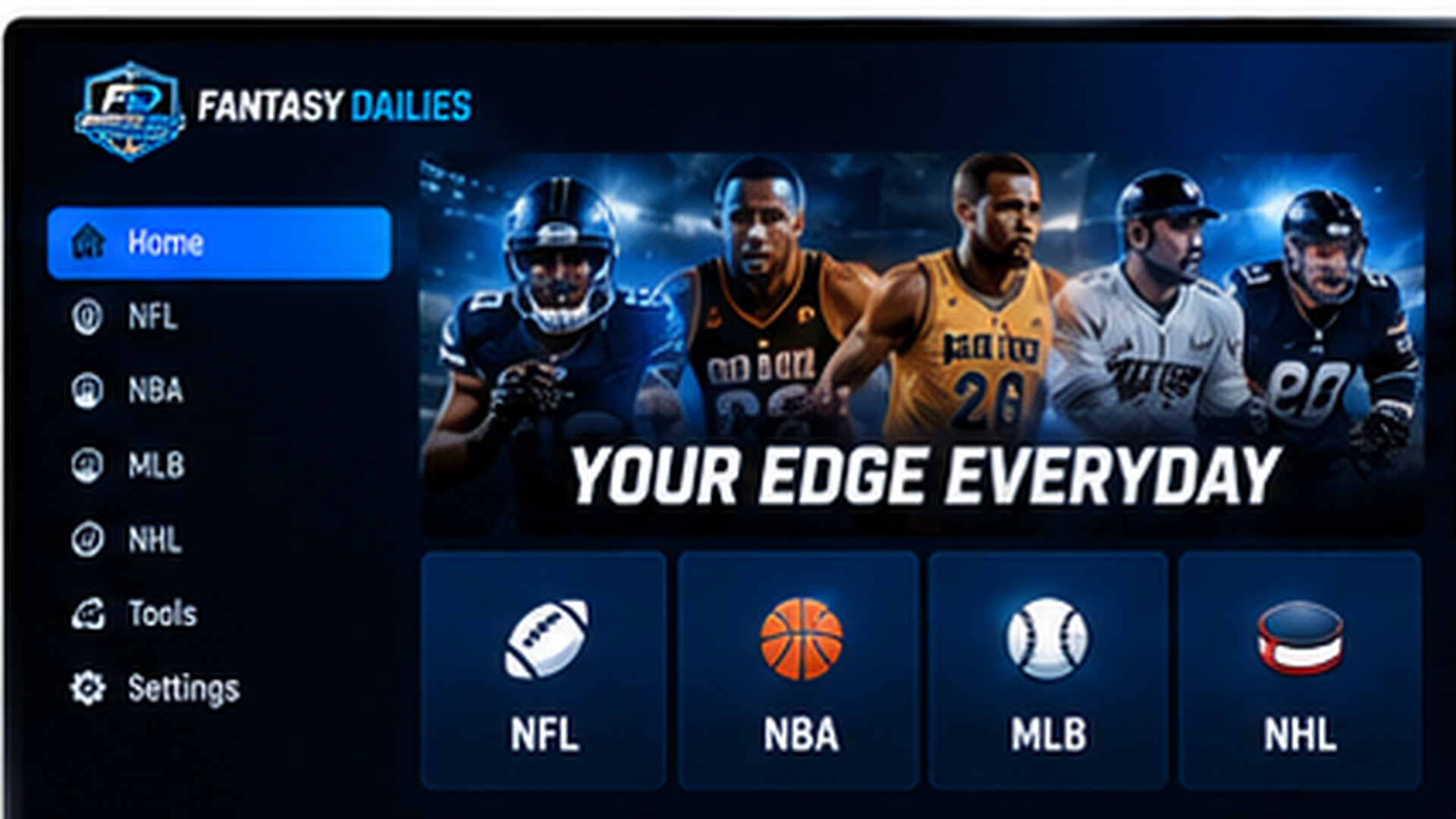
The channel opens on a streaming-style home screen. A banner at the top plays a muted preview of the newest episodes, and rows underneath hold the Latest Episodes and All Shows. A search bar finds a show or an episode by name. Every video plays inside a FantasyDailies frame with a scrolling ticker of scores and breaking news along the bottom and a small QR code that opens the site on your phone.
Live TV keeps programming running so there is always something on. The TV Guide sits on the left, the show that is on right now plays on the right, and Tune In puts you in it. Live TV rotates through the network so the same show never plays back to back: the first pass plays the latest episode of each show, the next pass plays each show's second-latest, and so on. The schedule for the next 24 hours is also on the FantasyDailies TV page.
Game Zone is the live scoreboard, and it is the tab to leave on during a Sunday. A row of cards runs across the top with every game on the board for the NFL, MLB, NBA and NHL, each with both teams, the score and the status, and a red mark on anything live right now. Use the ALL, NFL, MLB, NBA and NHL tabs to filter by league. Below the cards, a full-size score bug in the teams' colors shows the clock and the score of the game you are on.
Under the score bug, a graphic shows where the game is: a football field with the line of scrimmage and the first-down marker, a baseball diamond with the runners on base, or a rink or court for hockey and basketball. Chips show the down and distance in football and the count and outs in baseball, and the screen flashes RED ZONE or CLUTCH TIME when a game gets there. A live play-by-play panel on the right lists the latest plays, with scoring plays marked in green.
Game Zone starts in whip-around mode, jumping on its own to the game with the most going on. Press OK on any card to tune in and lock the screen on that game, and press OK again to go back to the whip-around. It refreshes every 20 seconds, so the score and plays stay current without touching the remote.
When a game ends, the full NFL, MLB, NBA and NHL box scores are on the site, with the stat lines for every player. Every final score on FantasyDailies links to its box score.
Games is a tab of its own for when nothing is live: Trivia (20 questions, 15 seconds each, with streaks and three lives), Snake, Block Drop and Field Goal Kicker, all played with the remote.
The home screen also remembers you. Continue Watching resumes an episode where you left off, My Shows holds the shows you have starred, and Up Next lines up the following episode when one ends. Every show has its own page that lists its episodes.
You do not need to sign in to any of it. Signing in is optional and only unlocks extras like Velvet picks and a leaderboard nickname.
The 18-Show Lineup
Every show has its own page on the channel, with multiple episodes you can binge from the first to the latest. The lineup, in no particular order:
- Snake Sports
- 1st String
- In The Wickets
- The North
- The Break Down
- The Dribble
- Wagering The Odds
- Rusty Mit
- Ring Side ReWind
- Far East
- Coaches Corner
- The Scrap Sheet
- Fantasy Power Hour
- Not Moved Podcast Interviews
- First & 6 AM
- West Vibes
- East Side Boys
- Back to the South
Some of these are talk shows built around the numbers. Snake Sports is the Snake Sports Talk Show, 1st String is Washington's football room, and The Scrap Sheet covers the fight cards. Wagering The Odds is the one to start with if you came to FantasyDailies for betting. Browse every show, with the newest episodes first, on the FantasyDailies TV page.
Use the Site While You Watch
The channel is built to sit next to the tools. When a host is arguing a number, you can check it on your phone. Start with the NFL verdicts, MLB verdicts, NBA verdicts and NHL verdicts, which are the one place the site makes a call on a game.
For bets, the AI parlay builder and the league builders for the NFL, MLB, NBA and NHL put a slip together in seconds. The player prop boards cover the NFL, MLB, NBA and NHL. For fantasy and DFS, use the NFL DFS tools, the projections for the NFL, MLB, NBA and NHL, and the NFL injury report before lineups lock.
Player news is on the NFL, MLB, NBA and NHL feeds. Live scores are on the Game Zone page and the NFL schedule, and the results page keeps the record. The league hubs are the NFL hub, MLB hub, NBA hub and NHL hub, and the articles and news pages hold everything else.
Your First Month of Velvet
Velvet is where the picks live. Viewers who come in from the TV apps get their first month covered with a promo code: enter ROKU if you found us on Roku or FIRE if you found us on Fire TV when you join. It is on the sign-up page at FantasyDailies Velvet, and the code is shown on the channel next to the QR code.
Quick Answers
What does it cost? The channel costs nothing to install and watch, with no account and no card. Which devices? Fire TV and Fire Stick through the Amazon Appstore, and any Roku through the Channel Store. Can I watch on my phone? The site's own player is part of Velvet, so on a phone use the TV apps or sign in to Velvet.
Fire TV: search FantasyDailies. Roku: search FantasyDailies or use code 6LJ6L6T. Then open the FantasyDailies TV page for the lineup and the tv page for the live view.